 yuanming@yuanming.com.cn
  86-755-89703008
Custom Fields for Work Order Form Printing
These are sample field groups for a custom work order form. The final layout can be adjusted to match your service process, customer records, approval requirements and office workflow
YOUR
LOGO
Suggested fields for custom work order forms
Use these field groups to turn a service form, handwritten sample or rough layout into a clear work order printing specification.
- Company name and logo
- Work order number
- Date and technician
- Customer name
- Phone / email
- Service address
- Service requested
- Work performed
- Parts and materials
- Labor hours
- Customer signature
- Payment or invoice reference
- Customer copy / office copy
Work Order Form Printing Details and Finishing Examples
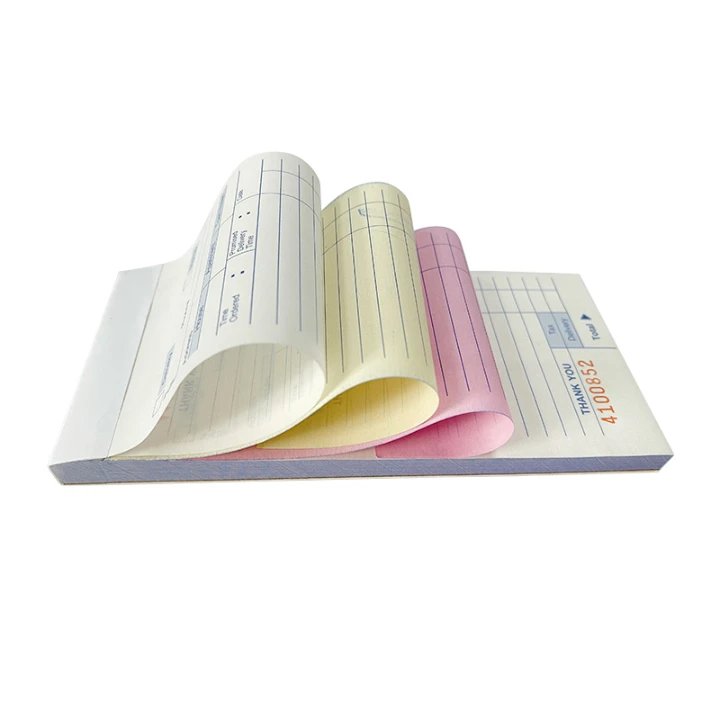
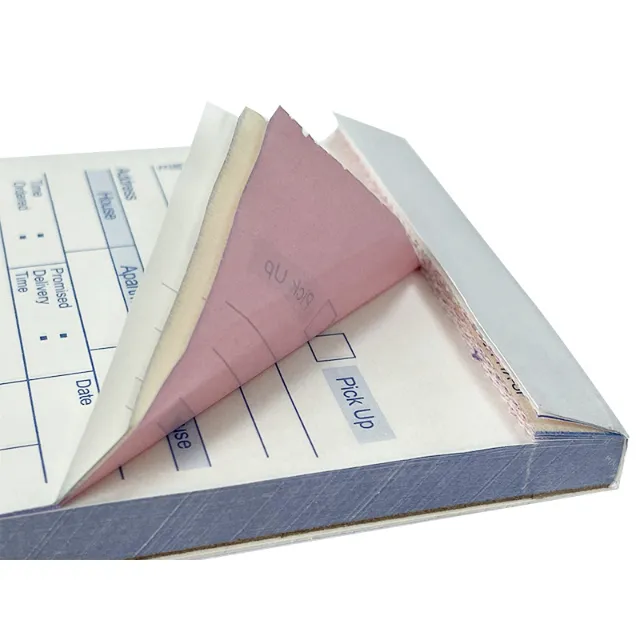
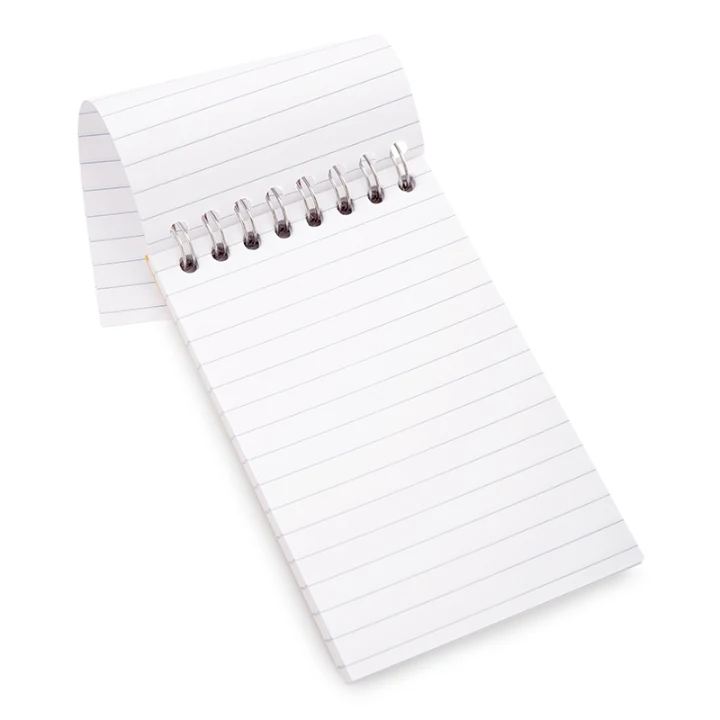
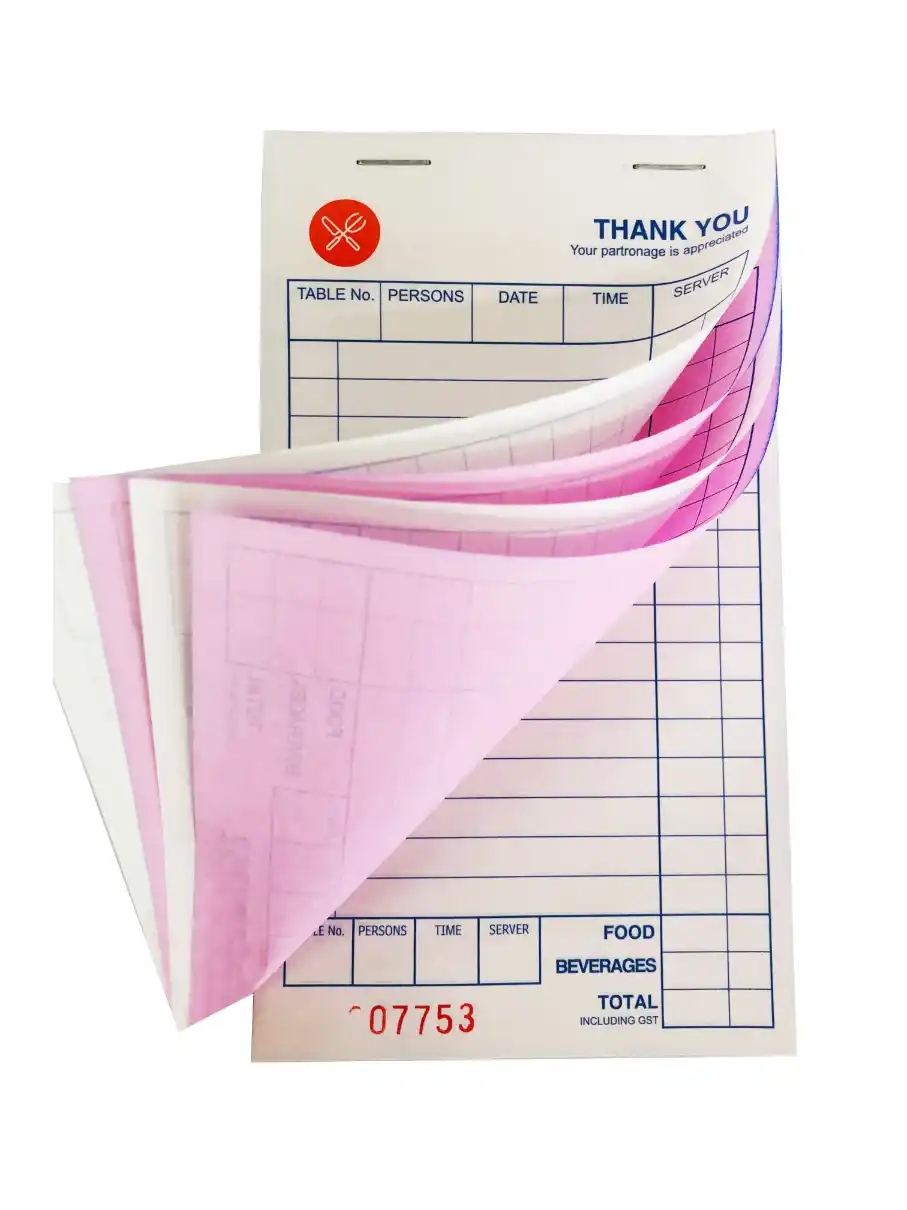
See how NCR copy colors, perforated sheets, wire binding and stapled books can look in finished form products. These images show common production details; the final construction can be adapted to the way your team writes, removes and stores each form.
Work order forms follow the job from request to sign-off

Record the repair request, parts used, labor time and customer approval.

Keep scheduled service records for equipment, facilities and repeat visits.

Confirm service areas, checklist notes and customer sign-off after the job.

Record installation details, materials, site notes and handover confirmation.
How the form works during a service job
How a printed work order is used on site
Guides for Choosing Work Order Form Specifications
Use these guides to compare NCR paper parts, finished sizes, sequential numbering, perforation and binding before requesting a work order printing quote.
Business Forms Printing
Compare work orders, delivery notes, receipts, invoices and other custom business forms.
NCR Carbonless Paper Guide
Choose 1-part, 2-part or 3-part paper for customer, technician and office copies.
Numbering & Perforation Guide
Plan work order numbers, starting sequences, tear-off copies and perforation positions.
Paper Size Guide
Compare A4, A5, A6, DL and custom sizes for different work order layouts.
Common A-series work order form sizes follow the ISO 216 standard for trimmed paper sizes.
Common Questions About Work Order Form Printing
A work order form can include company details, customer information, service address, job number, technician, work requested, parts used, labor time, amount and customer approval.
Choose 2-part NCR when the customer and office each need a copy. Choose 3-part NCR when the technician, customer and office require separate records.
Yes. Sequential numbers can be printed in a specified position and can start from the number provided with the order.
Yes. Perforation can create removable customer copies, while a writing shield helps prevent entries from transferring to unused sets below.
Send the finished size, NCR parts, copy colors, numbering, perforation, binding, sets per book, total quantity, artwork and delivery country.
Request a Custom Work Order Form Printing Quote
Send the finished size, NCR parts, numbering, perforation, binding, quantity and reference layout you need.