 yuanming@yuanming.com.cn
  86-755-89703008
What Should a Restaurant Guest Check Include? A Layout Guide
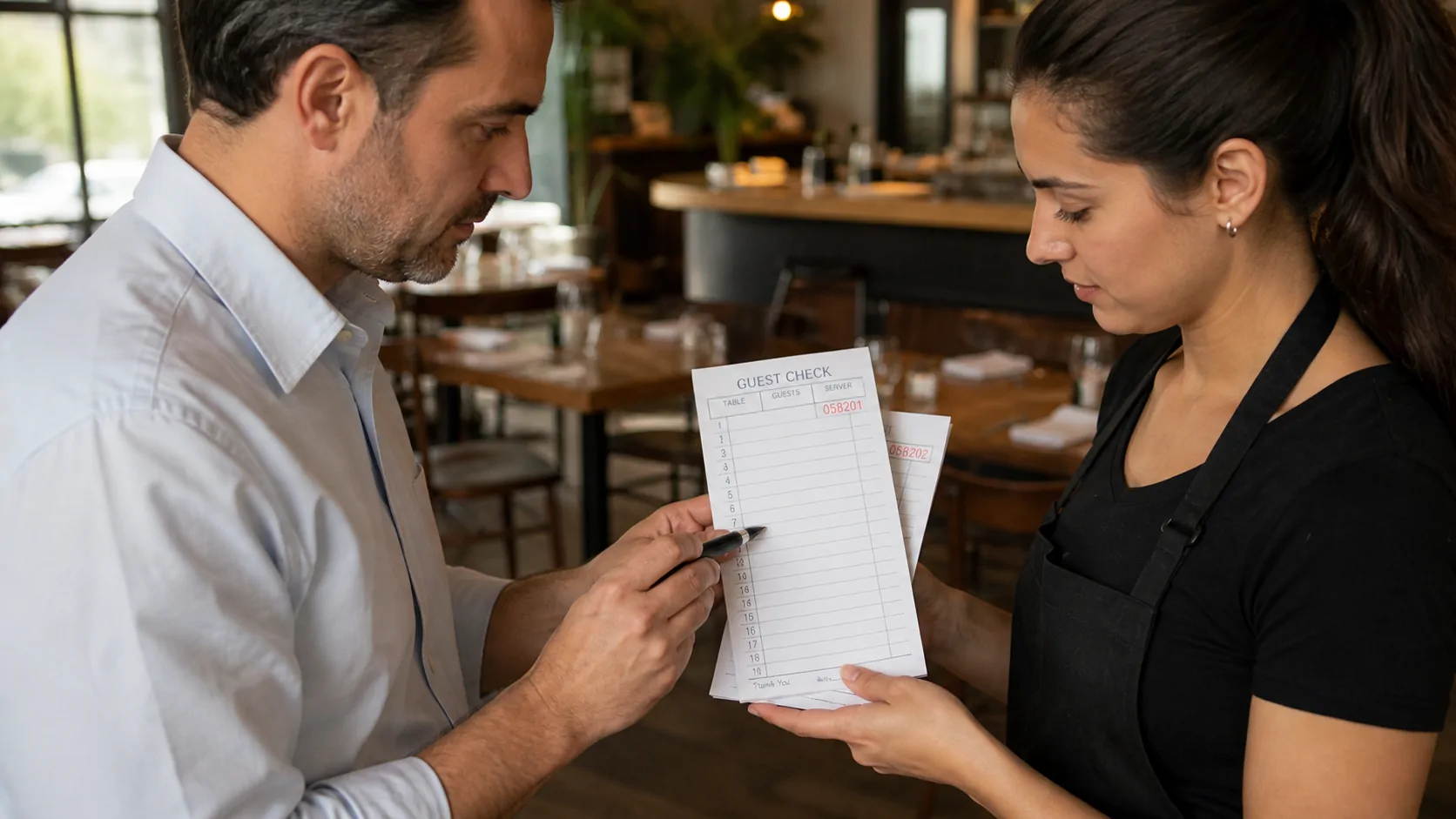
A useful restaurant guest check layout starts with the people who must read it during service. A useful check identifies the table and server, captures the order clearly, supports accurate totals, and gives each team the copy it needs. The right fields depend on whether the paper check is the main order record, a backup to a POS system, or a customer-facing bill.
This guide reviews the layout at three work points—the dining room, kitchen and payment desk—so a restaurant buyer can prepare artwork and a print specification without filling the form with unused boxes.
Direct answer: Most restaurant guest checks need a unique check number, date, table, guest count, server, order lines, quantities or seat references, price columns when totals are written on the form, subtotal, tax, gratuity or service-charge space where applicable, and a final total. Add copies, prompts and perforated stubs only when the service route requires them.
Restaurant Guest Check Layout
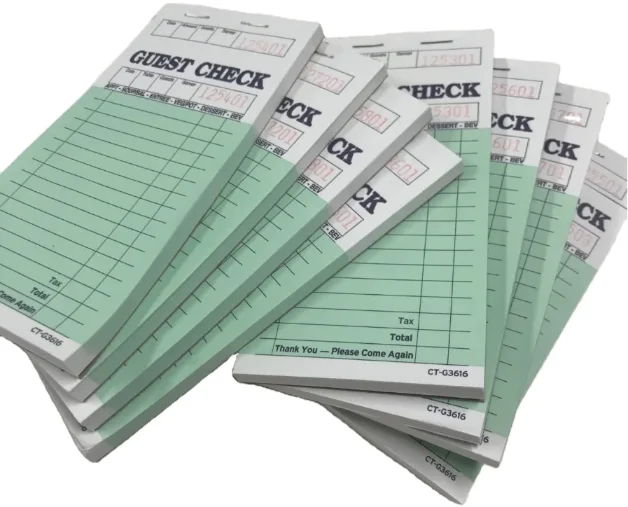
A practical restaurant guest check layout should let staff identify the order, prepare it and close it without guessing.
| Area | Useful fields | Why they matter |
|---|---|---|
| Check identity | Check number, date, time or shift | Distinguishes one check from another |
| Table and staff | Table, guest count, server | Routes responsibility and service |
| Order capture | Item, quantity, seat, modifiers, price | Communicates what was ordered |
| Payment summary | Subtotal, tax, service charge or gratuity, total | Supports the final calculation when used |
| Handoff | Copy color, destination or receipt stub | Shows where each part goes |
Not every restaurant needs every field. A café counter ticket may prioritize order number and pickup name. A full-service restaurant may need table, seat position and course prompts. A hotel or banquet operation may need room, function or account references. The form should follow the real service route rather than a generic template.
Start With the Service Route
Before choosing a check size, trace one order through the operation.
- Server: records the table, guests and requested items.
- Kitchen or bar: reads the preparation details and modifiers.
- Cashier or POS: enters or verifies items, prices, discounts and taxes.
- Guest: receives a bill or receipt when the check is customer-facing.
- Manager or office: retains the required paper record, if any.
Toast’s platform documentation separates an order from the one or more checks attached to it. A check can include menu selections, prices, taxes, discounts, service charges, guest information and payments, while the wider order also tracks dining option, responsible employee and table or delivery details. That distinction is useful even for paper systems: decide which information belongs on the working guest check and which already lives reliably in another system.
If one sheet travels from server to kitchen and back to the guest, it must work for all three readers. If different teams keep separate copies, the design can assign each part a clearer destination.
Front-of-House Fields
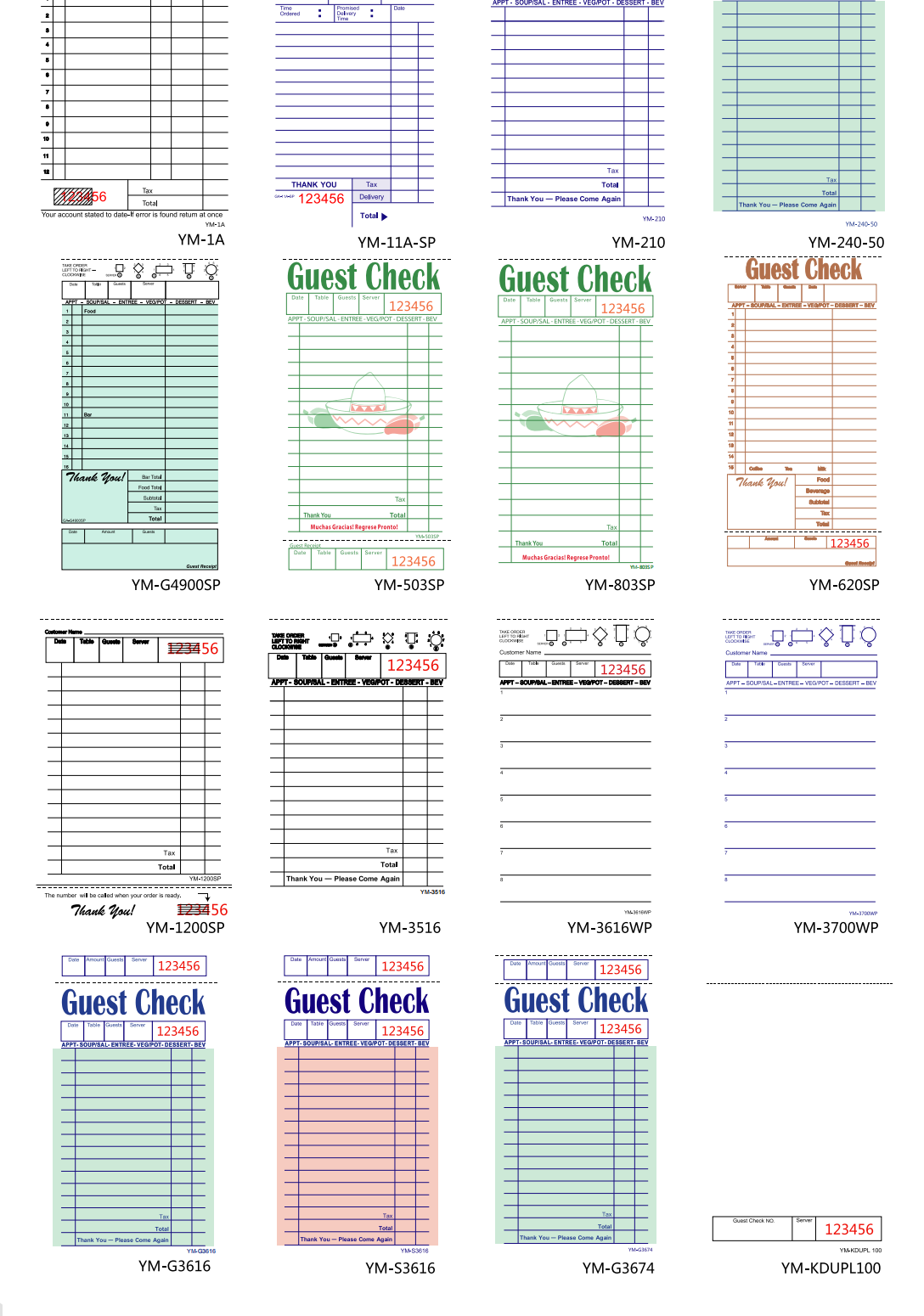
Front-of-house staff need a fast header and a large writing area. The header commonly includes:
- check number;
- date and optional time or shift;
- table or order number;
- guest count;
- server name or ID;
- dining option, such as dine-in, takeout or delivery, when relevant.
Keep these boxes large enough for quick handwriting. A field that is too narrow encourages abbreviations that other staff cannot interpret. If the restaurant uses seat positions, a small seating or pivot diagram can help servers write each guest’s order consistently. Do not add a seating diagram simply because it appears on another restaurant’s check; test it with the actual floor-service method.
For takeout, a customer or pickup name and promised time may be more useful than a table number. Avoid placing phone numbers, payment-card data or other sensitive information on copies that circulate unnecessarily.
Kitchen-Readable Order Area
The order area should make the next action obvious. Start with enough horizontal writing space, then add only the columns the kitchen and cashier genuinely use.
Useful choices include quantity, item description, seat number, modifier, course and price. Course prompts—such as appetizer, soup or salad, entrée, side, dessert and beverage—can guide handwriting, but they also consume space. A restaurant with a short menu may prefer open lines; a multi-course operation may benefit from grouped prompts.
Legibility matters more than decoration. Use clear rules, sufficient line height and strong contrast. Keep logos and promotional copy out of the working grid. If kitchen staff read a duplicate sheet, confirm that the copy color, rule color and handwriting transfer remain easy to see under kitchen lighting.
Totals and Customer Copy
Only include calculation fields that staff will complete on paper. A manually totalled check may need columns for prices plus subtotal, tax, discount, service charge or gratuity, and total. A check used only to capture orders before POS entry may need no price area at all.
Do not preprint a tax rate, mandatory charge or tip statement until the restaurant has confirmed the wording for its location and business model. Requirements differ across countries, states, provinces and municipalities. The printer can reproduce approved artwork, but the restaurant remains responsible for regulatory and payment wording.
When the guest receives part of the form, consider a perforated receipt stub or a clean customer copy. It may carry the check number, date and total while leaving kitchen notes on the working portion. Keep personal or operational notes away from the customer-facing area.
Copies, Numbering and Binding
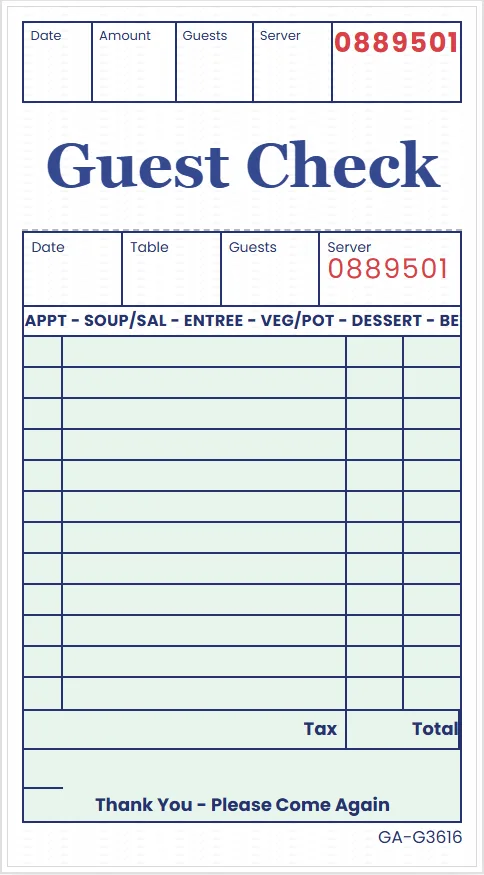
Choose the construction by naming the recipient of every sheet.
| Construction | Suitable starting point |
|---|---|
| Single part | One working ticket; no immediate duplicate required |
| 2-part carbonless | One copy for kitchen or guest and one retained copy |
| 3-part carbonless | Three immediate destinations, such as kitchen, guest and office |
A 2-part check contains two sheets total; a 3-part check contains three. Do not count “original plus two copies” as a 2-part set.
Sequential numbering helps staff distinguish and reconcile checks. Specify the starting number, digit count, position, ink color and whether the same number appears on every part. If multiple outlets use separate books, decide whether they share one sequence or receive identifiable ranges.
Binding also changes use. Top-glued pads are quick to separate. Stapled or stitched books retain sets more securely. A wraparound cover or writing shield helps prevent entries from transferring into the next set. Confirm the binding edge, perforation position, sets per book and backing board before ordering.
Test the Layout Before Printing
Before approving a restaurant guest check layout, print the proposed artwork at actual size and run a short service simulation.
- Ask a server to write a typical dine-in order and a difficult modified order.
- Ask kitchen staff to read the order without verbal explanation.
- Confirm the cashier can identify every item and total field used.
- Tear or separate the intended copy and check the perforation position.
- Place the form in an apron pocket, check presenter or ticket rail.
- Verify that numbering and handwriting transfer appear on every required part.
Watch for crowded headers, short order lines, weak duplicate-sheet contrast and fields that are never completed. Removing an unused box often improves the layout more than reducing the type size.
Build a Quote-Ready Specification
Once the layout passes the workflow test, prepare one production specification:
- finished width, height and orientation;
- single, 2-part or 3-part construction;
- sheet colors and printed ink colors;
- sets per pad or book and total quantity;
- sequential-number start, position and repeat requirements;
- perforation, stub and binding details;
- backing board, wraparound cover or writing shield;
- final artwork file and any variable outlet information;
- packing method and delivery country.
Review custom guest check printing for available check formats, then contact PrintingMaxx with the approved size, parts, quantity and numbering plan. If the restaurant also uses printed placemats, the separate restaurant placemat size guide explains how to measure the table setting rather than the check workflow.
Guest Check Questions
Should a guest check include prices?
Include price columns when staff calculate or verify the bill on paper. If the paper check only captures an order before POS entry, prices may add clutter without helping the kitchen.
Is a guest check the same as a receipt?
Not necessarily. A guest check can record the order and amount due, while a receipt confirms payment. Decide what the guest receives and what your local accounting process requires.
Do guest checks need sequential numbers?
Numbering is useful for identification and reconciliation, but the exact control process is the restaurant’s decision. Specify the sequence only after deciding how staff will record voided, missing and completed checks.
Should the kitchen receive the original or duplicate?
Either can work if the chosen sheet is readable and staff know the route. Test the handwriting transfer and copy color before approving production.
What size should a guest check be?
Choose a size that fits the writing area, apron pocket, check presenter and ticket rail. Measure the physical workflow instead of copying a competitor’s dimensions.
Sources